
How to Check a Second Hand Laptop Before Buying
Buying a second hand laptop can save you money, but it requires careful inspection to avoid surprises. In this guide, we’ll walk you through essential steps to check a second hand laptop’s condition before purchasing.
1. Check the Physical Condition
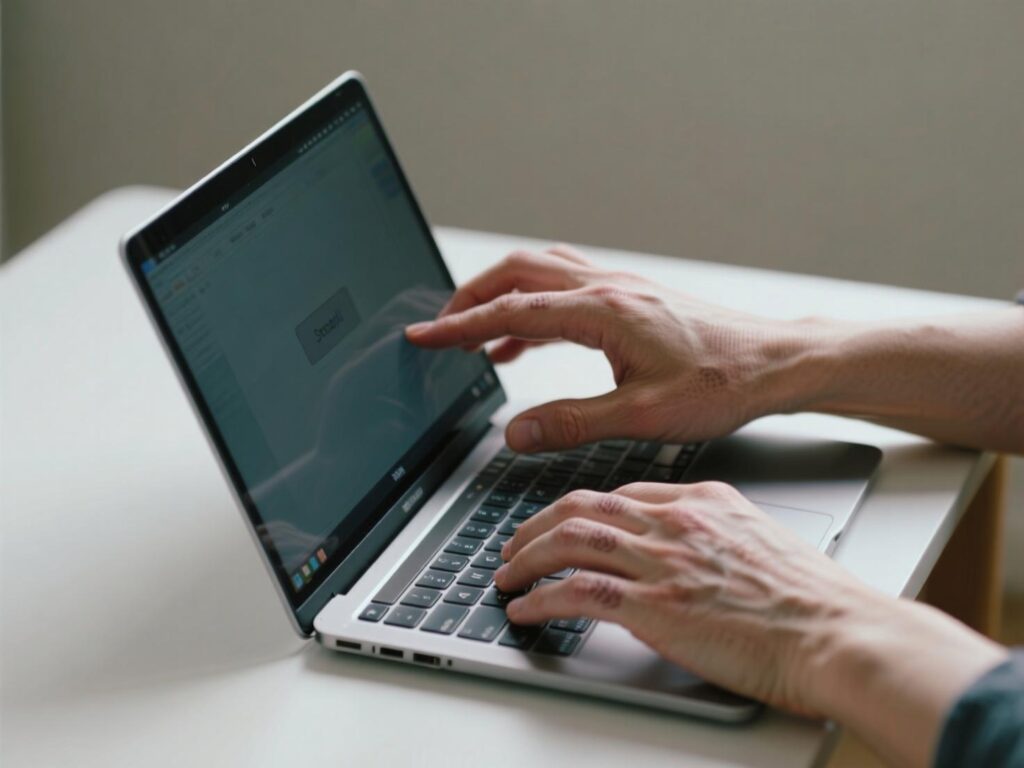
Start by examining the laptop’s exterior. Look for scratches, dents, or signs of damage. Pay attention to the screen, keyboard, and chassis. Remember, physical damage like screen cracks or water damage is usually not covered under warranty, so it’s crucial to spot these issues early.
Tip: Gently press keys and check for smooth operation. Make sure the hinge is stable and not loose.
2. Inspect Battery Health
Battery life can degrade over time. Ask for battery status and check if it holds a charge. For laptops with removable batteries, inspect for swelling or leaks. Comptronics guarantees at least 80% battery health on all second hand laptops.
3. Test Performance and Hardware
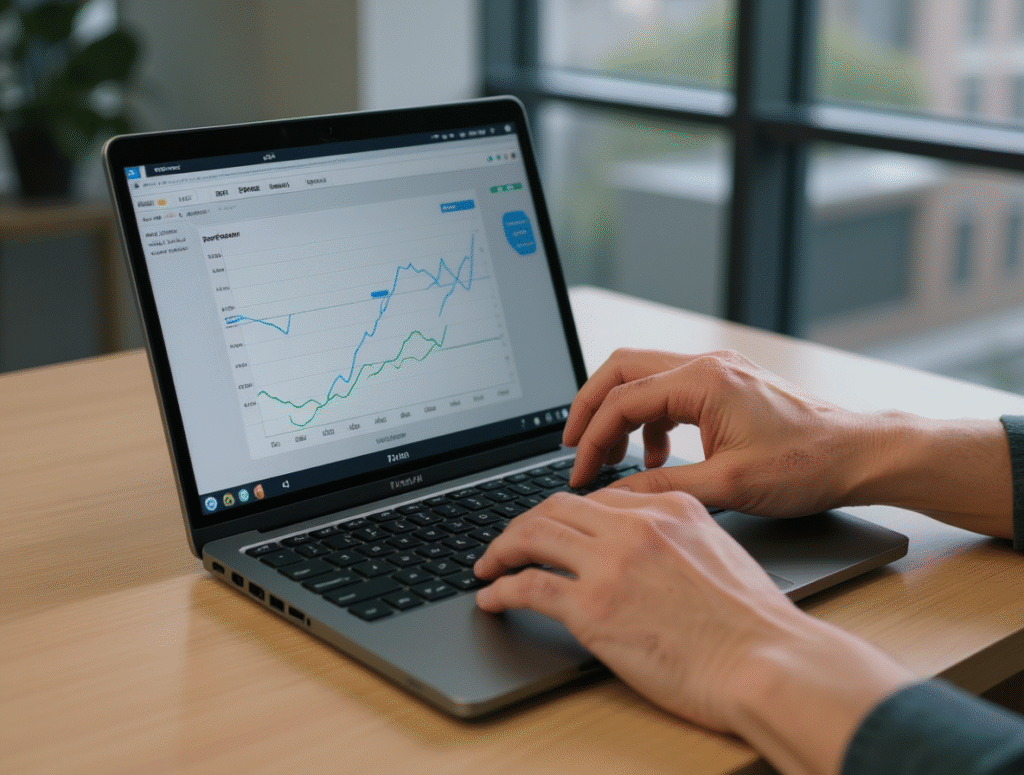
Boot the laptop and check the operating system, storage, and RAM. Run simple tasks like opening applications or playing videos to ensure the system performs as expected. Also, test the USB ports, headphone jack, webcam, and Wi-Fi.
If you are someone looking to buy a second hand laptop, check out how to buy a second hand laptop online or buy second hand laptops under ₹5,000
4. Check Software and Operating System
Ensure the laptop comes with a genuine operating system (Windows or Ubuntu). Check for malware, viruses, or unnecessary software. It’s safer to reset the laptop to factory settings if possible.
5. Verify Price and Seller
Compare prices for similar models. For trusted sellers, check reviews or ask for warranty. At Comptronics, all laptops are tested, certified, and warranty-backed, so you get peace of mind.
Learn where to buy second hand laptops in your city or check out second hand laptops near me for local options.
6. Consider Bulk or Multiple Purchases
If you’re buying for school labs, offices, or gaming setups, bulk orders might save you money. Check our bulk orders page for discounts and delivery options.
Final Tip
Always inspect carefully for physical damage, battery health, and system performance. Taking your time now will prevent issues later and help you get a reliable, ready-to-use second hand laptop.